Everything your conference needs, in one system.
Registration, booths and sponsors, badges and check-in, CE credit, awards, and the banquet. Built for associations, chapters, and user groups that run their conference with a volunteer committee.
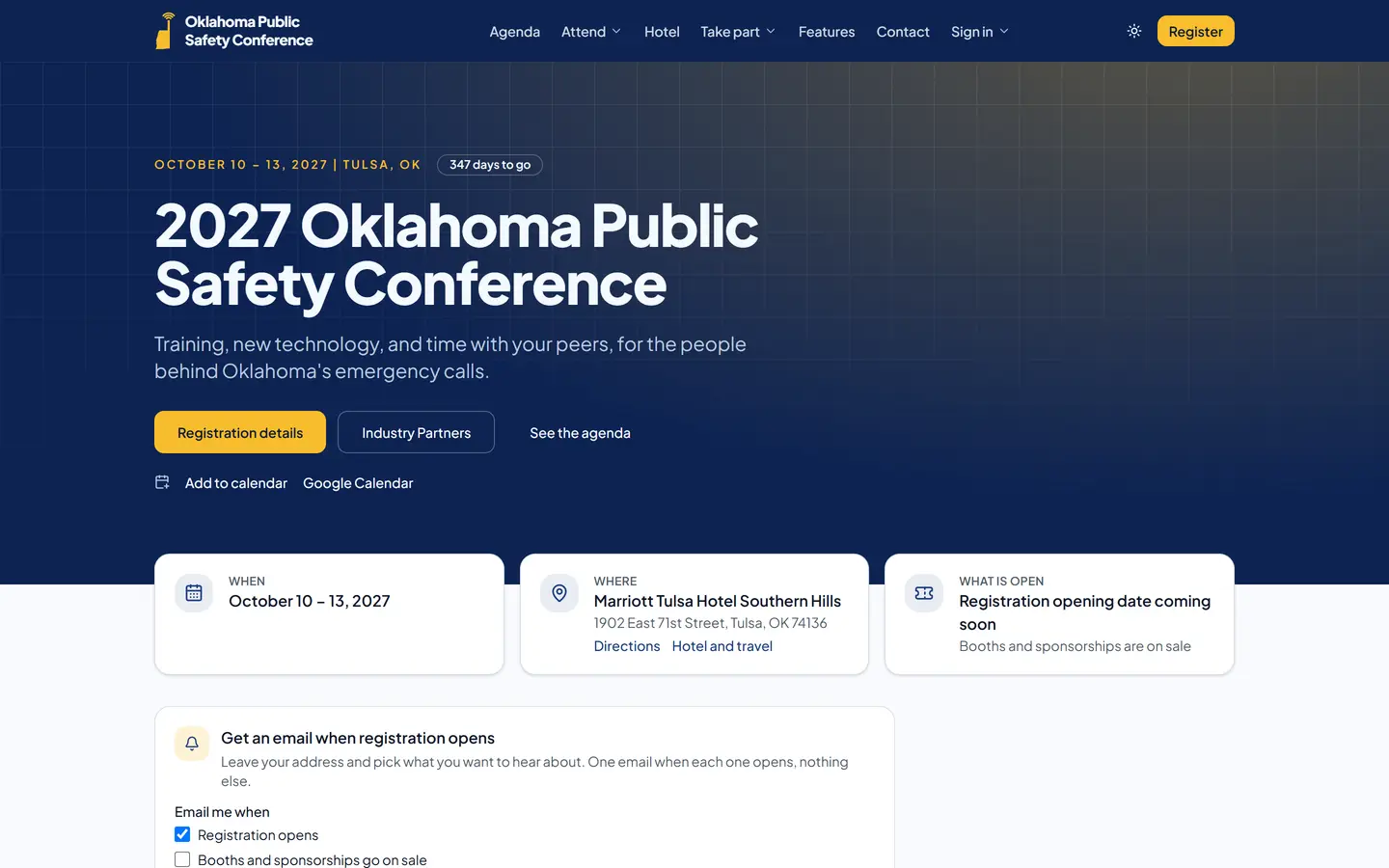
Everything your committee juggles today, in one place
Stop stitching together a registration site, a spreadsheet of exhibitors, a badge template, and a clipboard at the banquet door.
Registration and payments
Member pricing checked against your member rosters, early bird and flash day prices, day passes, group sign-ups, promo codes, card or invoice. Card data stays with Stripe.
Booths and sponsorships
A live floor plan exhibitors pick from, sponsorship packages in the same checkout, staff badges, and an exhibitor portal for logos, staff, and leads.
Badges and check-in
Self check-in kiosks that print badges on thermal printers, keep working if the venue Wi-Fi drops, and hand the desk a list of what each person gets.
Sessions and CE credit
Attendees scan the room poster to check in, one class per time slot, and get their continuing education certificate by email when the conference ends.
Awards and speakers
Public nominations, outside reviewers who score only their categories, a call for presentations with headshots, and decisions emailed in one click.
The fun parts, handled
An exhibit hall passport stamped by booth scans, prize drawings on the big screen, live polls, a photo wall, the merch store, and the banquet door scanner.
For attendees
- Sign in with an emailed code, no passwords
- Personal schedule, QR badge, and agenda that work offline
- Approval letter with costs filled in
- Exhibit hall passport with prize entries
- Session ratings and a conference review
- Banquet RSVP and a guest ticket
- FAQ that answers from the committee's own pages
- Photo wall uploads and a live slideshow
For exhibitors and sponsors
- Pick a booth on the floor plan, or buy a package
- Add sponsorships in the same checkout
- Staff badges and extra badges, managed in the portal
- Lead scanning from any phone, exported after the show
- Logo, description, and website on the public site
- Sponsor tiers that update as spending adds up
- Invoices, purchase orders, and checks with a billing address
- Coworkers join the company already on file
For speakers and reviewers
- Call for presentations with tracks, formats, and headshots
- Blind review scored on your criteria
- Accept, waitlist, and decline emails in one click
- Speaker portal for slides, bio, and session details
- Room check-in by QR poster, one class per time slot
- CE certificates emailed when the conference ends
- Award nominations, with reviewers from other chapters
- Session feedback released to speakers afterward
For the committee
- Member pricing checked against your rosters
- Early bird, flash day, on-site, and promo prices
- Badge layouts for Zebra printers and the print dialog
- Check-in kiosks and a banquet door scanner
- Announcements by email and push, with reminders
- Live polls and prize drawings on the big screen
- Merch store with sale dates and T-shirt sizes
- Reports, exports, an audit log, and help on every page
Made for conferences run by volunteers
Associations, chapters, user groups, and societies plan their conferences with volunteers who already have full-time jobs. ConferenceCAD was built side by side with one of those committees, so each task works the way your committee already does it.
- Member pricing from the rosters you already keep, with early bird, day pass, and group rates.
- Employers that pay by invoice, purchase order, or check, alongside cards.
- CE hours tracked by session check-in, ready for any accrediting body.
- Awards scored on your own criteria, by reviewers you choose.
- Works on the phones your attendees carry, even with a weak signal in the exhibit hall.
Proven with 9-1-1 first
ConferenceCAD comes from Stolz Telecom, a public safety communications company, and runs the Oklahoma Public Safety Conference. Agencies get what they need out of the box.
- Approval letters for supervisors, with GSA per diem, lodging, and mileage for the conference city.
- Government-friendly payment: invoices, purchase orders, and checks with a billing address.
- Telecommunicator, technology, and leadership awards with score sheets built in.
- Badges and check-in kiosks that keep working when the venue network does not.

Running live today
The Oklahoma Public Safety Conference moved its registration, exhibitors, badges, and awards to ConferenceCAD. See it live at okpsc.com.
Conference software for APCO and NENA chapters and every public safety event
APCO and NENA chapter conferences, sheriffs' association and chiefs of police conferences, state fire and EMS conferences, and emergency management conferences share the same needs: agency approval, government payment, training credit, and a busy vendor hall. ConferenceCAD handles each one.
APCO and NENA chapter conferences
Telecommunicator training tracks with CE hours counted by session check-in, Telecommunicator of the Year and other awards scored by outside reviewers, and an exhibit hall for CAD, radio, and 9-1-1 call handling vendors.
Statewide 9-1-1 and emergency communications
Approval letters with GSA per diem, lodging, and mileage so supervisors can sign off fast, plus purchase orders and invoices with a billing address for agencies that cannot pay by card.
Sheriffs' associations and chiefs of police
Agency pricing and group registration for a whole department, purchase orders and approval letters for command staff, CLEET or POST training hours by session check-in, and an exhibit hall for law enforcement vendors.
State fire and EMS conferences
Day passes for shift workers, hands-on classes with seat limits and waitlists, CE certificates each attendee downloads from the app, and awards scored by outside reviewers.
Emergency management conferences
Sessions, speakers, and a call for presentations with formats you define, plus an agenda attendees keep on their phones even without a signal.
Expos and joint conferences
Booth sales on a live floor plan, sponsor tiers, and exhibitor lead scanning. When two associations or several states run one event, committee access by role lets each partner see the parts they run.
APCO and NENA are the names of their respective organizations. ConferenceCAD is independent and is not affiliated with or endorsed by APCO International or NENA.
Your conference, your brand
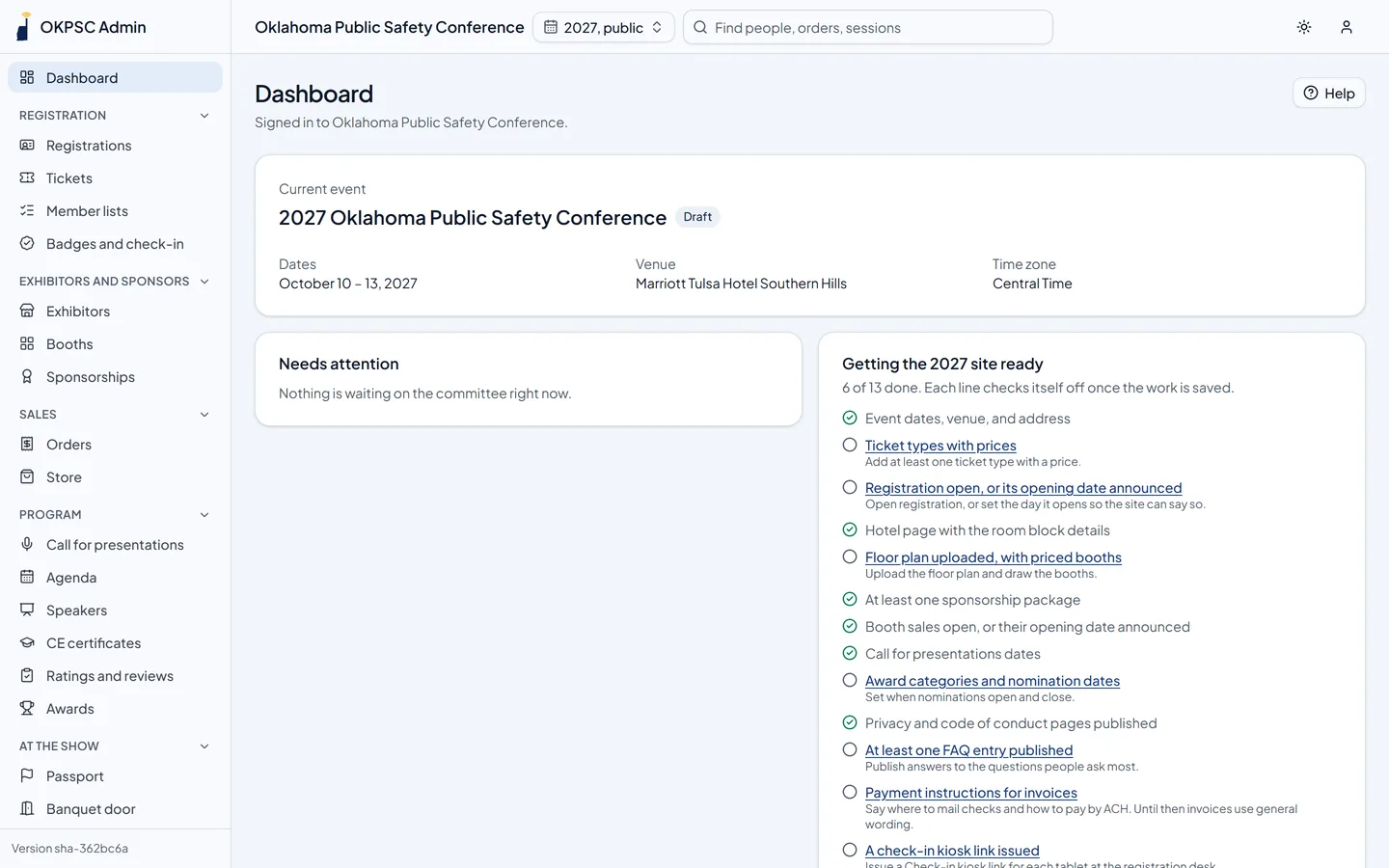
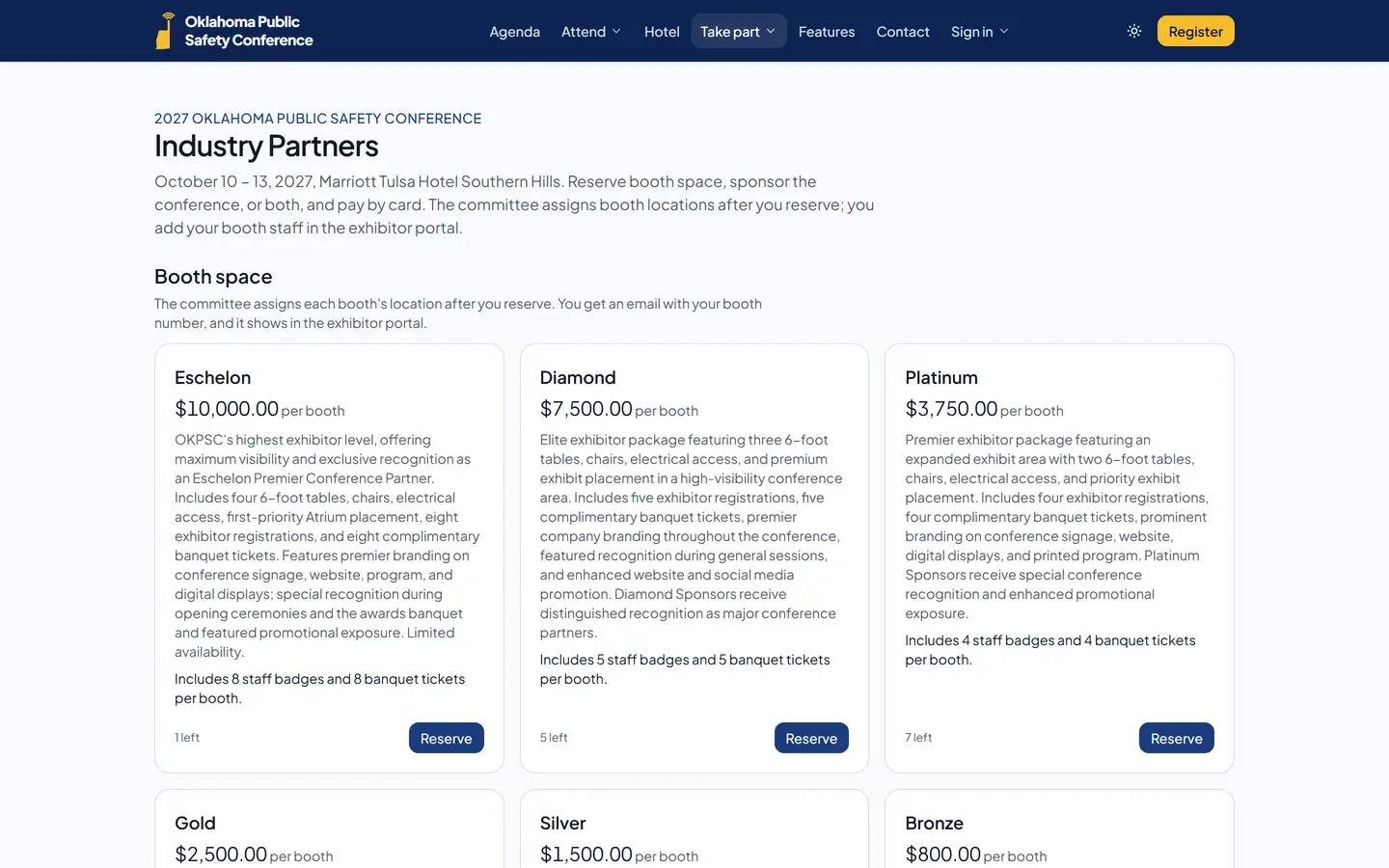
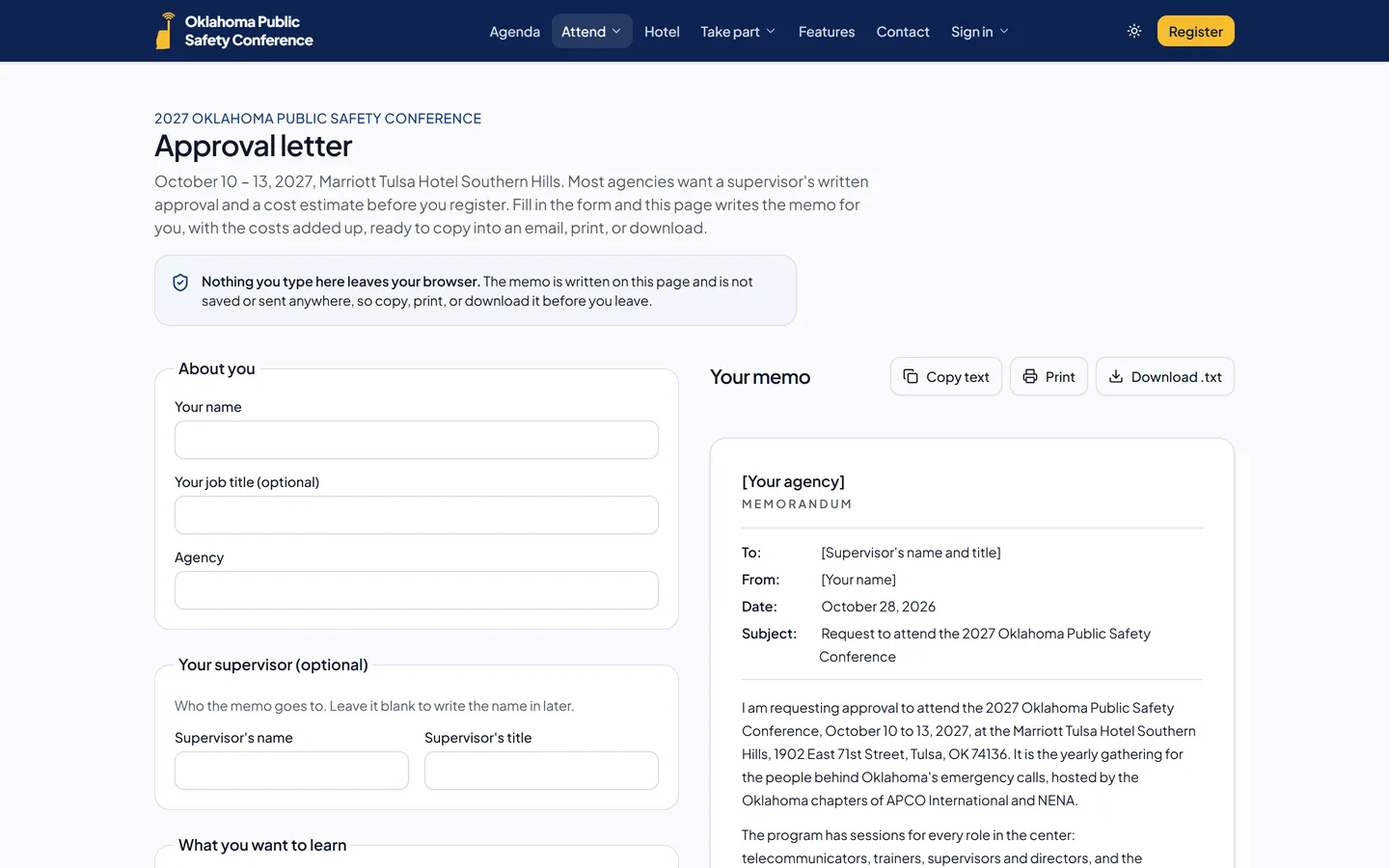
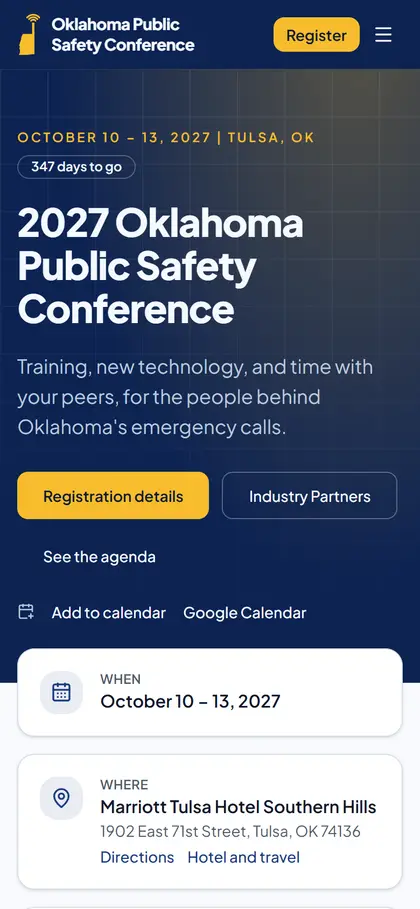
Real screens from the Oklahoma Public Safety Conference, running on ConferenceCAD. Every page and email carries the organization's own name, logo, and colors, on its own domain.
Live in weeks, not a season
Talk it through
A call about your event, your tickets, your exhibit hall, and what your committee does by hand today.
We set you up
Your own site on your domain with your brand, and a walkthrough so your committee can load its tickets, booths, and sponsorships.
Your committee runs it
Admin pages with built-in help for every screen, and access by role so each volunteer sees their part.
Next year is a click
Copy the event to next year: tickets, booths, sponsorships, and pages move ahead a year, ready to adjust.
Frequently asked questions
Who enters our conference information?
Your committee does. You load your tickets, prices, booths, sponsorship packages, sessions, and pages from the admin dashboard, which has help built into every screen. We set up your site, domain, and branding, walk your team through it, and support you along the way. If you get stuck, tell us and we will help you get it done.
Is ConferenceCAD only for public safety conferences?
No. It works for any association, chapter, society, or user group that runs a conference with registration, exhibitors, sessions, or awards. It started with a public safety conference and fits APCO and NENA chapters, sheriffs' associations, chiefs of police, state fire, and emergency management conferences, so agency needs like purchase orders, approval letters, and GSA rates are built in for those who want them.
Does ConferenceCAD work for APCO and NENA chapter conferences?
Yes. It runs the kind of conference state APCO and NENA chapters put on: telecommunicator training tracks with CE hours, awards like Telecommunicator of the Year, a vendor exhibit hall, agency approval letters, and purchase order payments. ConferenceCAD is independent and not affiliated with APCO International or NENA.
Can attendees get CE certificates for training hours?
Yes. Each session carries its CE hours and provider. Attendees check in by scanning the room code, one class per time slot, and their certificate is built from those check-ins, emailed after the conference, and kept in the app.
Can we use our own website address and branding?
Yes. Your site runs on your own domain with your name, logo, and colors on every page, badge, and email. Attendees see your conference, not ours.
How do card payments work?
Payments go through Stripe Checkout into your organization's own Stripe account. Card numbers never touch our servers. Attendees and exhibitors can also pay by invoice, purchase order, or check, and you choose which options to offer.
What happens if the venue Wi-Fi goes down?
Check-in kiosks keep printing badges and checking people in, and the attendee app keeps the agenda and each person's QR code. Everything catches up when the connection returns.
What equipment do we need for badges and check-in?
Tablets or laptops with a web browser for the check-in kiosks, and Zebra-compatible thermal label printers for badges (any printer works through the normal print dialog too). Use your own, or rent the kiosks and printers from us for the event.
Who can see our data?
Each organization gets its own private server and database, separate from every other customer. Your committee controls who has access, and every change is recorded in an audit log.
Do we have to set everything up again next year?
No. Copy this year's event to next year and your tickets, booths, sponsorships, and pages move ahead a year, ready to adjust.
See ConferenceCAD with your event in it
Tell us about your conference and we will walk you through it with your tickets, your floor plan, and your awards.